
A list of field types available for your job board solution:
Text field

Textarea
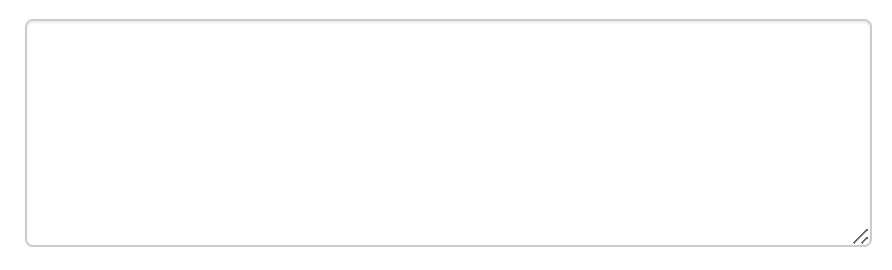
WYSIWYG field
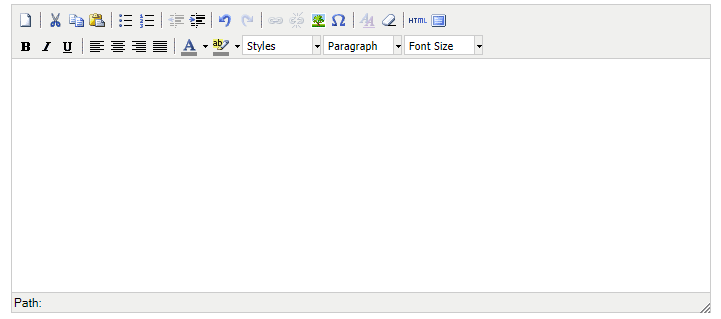
Checkbox

Radiobutton

Dropdown (single)

Dropdown (multi)
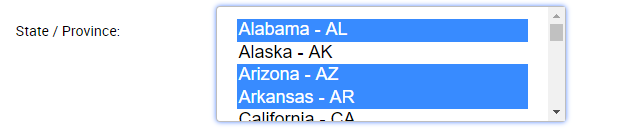
Dropdown (multi as checkboxes)
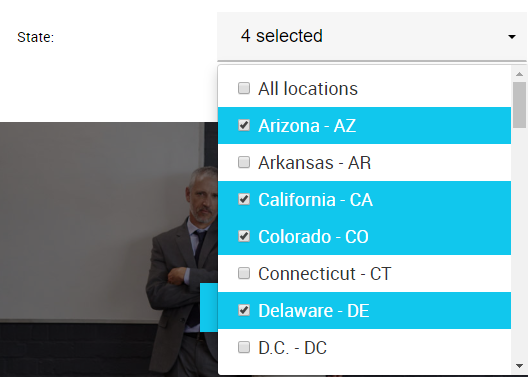
File
Date

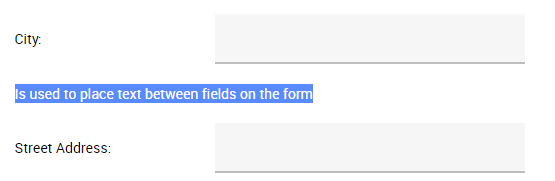
Textsection – not editable texts on the forms
Important notes:
- Don’t alter system fields which have the types not specified above. Changing them can negatively affect your job board functionality. Only types outlined above are safe to add/change.
- If you delete fields that are already used in existing vacancies, candidates, resumes or employers – you will lose this data.
- Changing the shortnames of fields used in the registration forms or search forms can affect the functionality. Please do not change shortnames of fields pre-configured initially in the admin system or consult with your job board manager before doing that.